Google Gemini API: Generate Content
Daya supports the Gemini-compatible /v1beta/models API using the Google GenAI SDK. For detailed request parameters and response structures, see the Google Gemini official documentation.
SDK
bash
pip install google-genaibash
npm install @google/genaiExamples
Python
from google import genai
from google.genai import types

client = genai.Client(
    api_key="$DAYA_API_KEY",
    vertexai=True,
    http_options=types.HttpOptions(
        api_version='v1beta',
        base_url='https://api.dayaai.com'
    ),
)

response = client.models.generate_content(
    model="gemini-2.5-pro",
    contents="How does AI work?"
)
print(response.text)
ts
const genai = require("@google/genai");

const client = new genai.GoogleGenAI({
  apiKey: "$DAYA_API_KEY",
  vertexai: true,
  httpOptions: {
    baseUrl: "https://api.dayaai.com",
    apiVersion: "v1beta",
  },
});

const response = await client.models.generateContent({
  model: "gemini-2.5-pro",
  contents: "How does AI work?",
});
console.log(response);
Supported Models
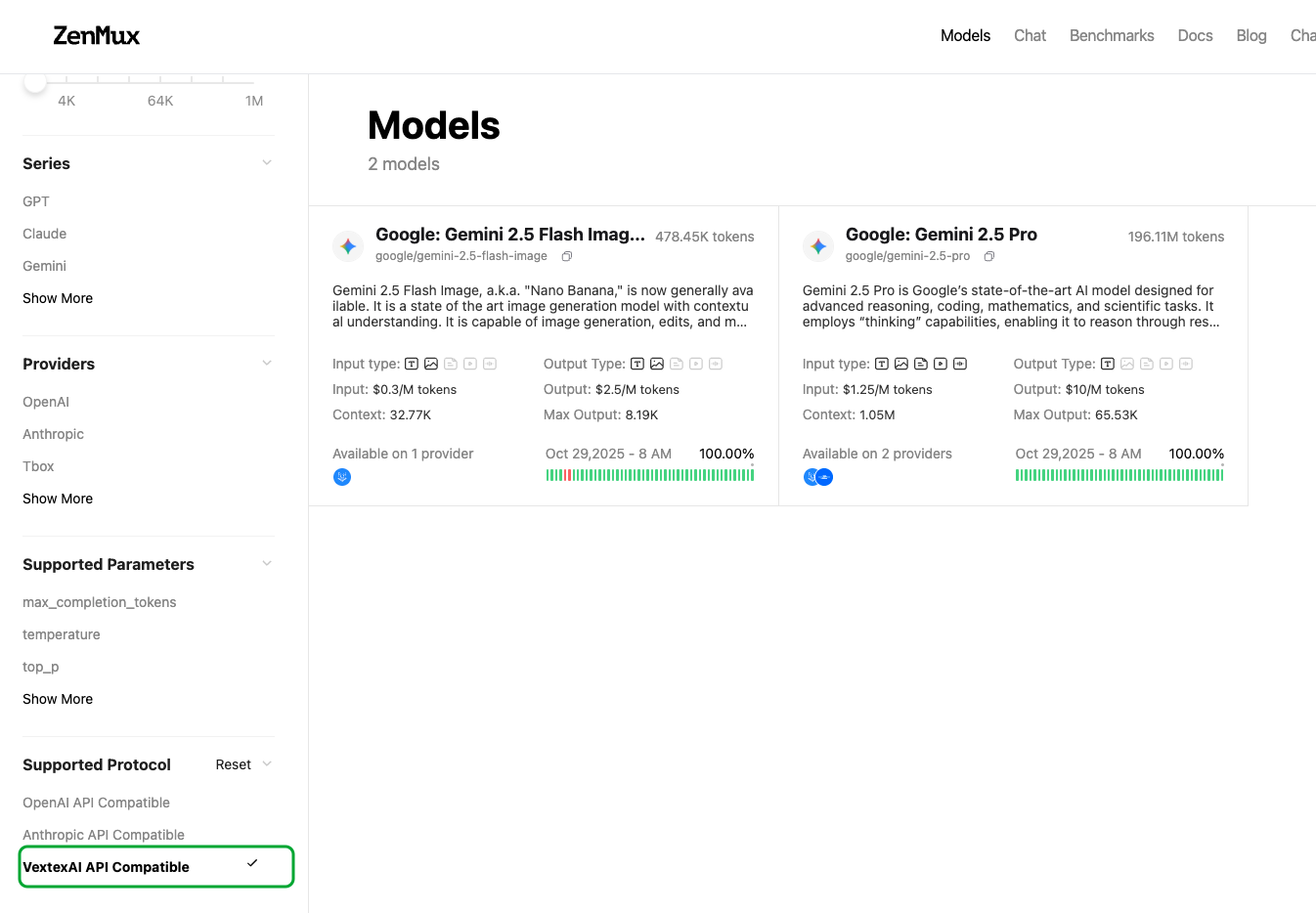
Supported Models for the Google Gemini Protocol
Models compatible with the Google Gemini protocol are being onboarded in batches. You can view currently supported models by filtering for Google API Compatible in the official model list: 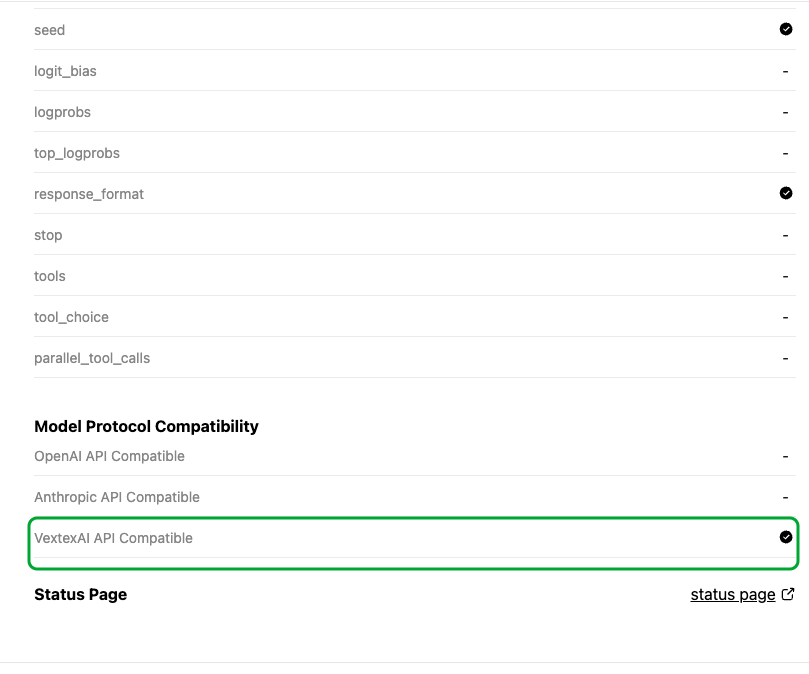 You can also check via the model detail page: